
When you buy something through one of the links on our site, we may earn an affiliate commission.
Are you tired of the same old monotonous life? Do you feel like you’re stuck in a rut and can’t seem to get out? If so, you need to start using automation tools to help streamline your life, and there are plenty of IFTTT alternatives for you to get started with.
Automation tools are great for saving time and energy, and they can help you get things done that you wouldn’t otherwise be able to do.
A popular automation app is IFTTT. IFTTT stands for “if this, then that”. It allows you to create simple tasks called “recipes” that automate your life.
But recently, there have been many changes made to IFTTT that have left users feeling frustrated, such as several free features being moved to an IFTTT Pro subscription model.
So, if you’re looking for free IFTTT alternatives or ones that have more features than IFTTT, here are 11 of the best options. These programs will streamline your life. They can give you back your time so that you can focus on the things that matter most to you.
Contents
Top IFTTT Alternatives On the Market
Without further ado, here are the 11 best workflow automation tools you can use if you're not satisfied with IFTTT:
1. Make
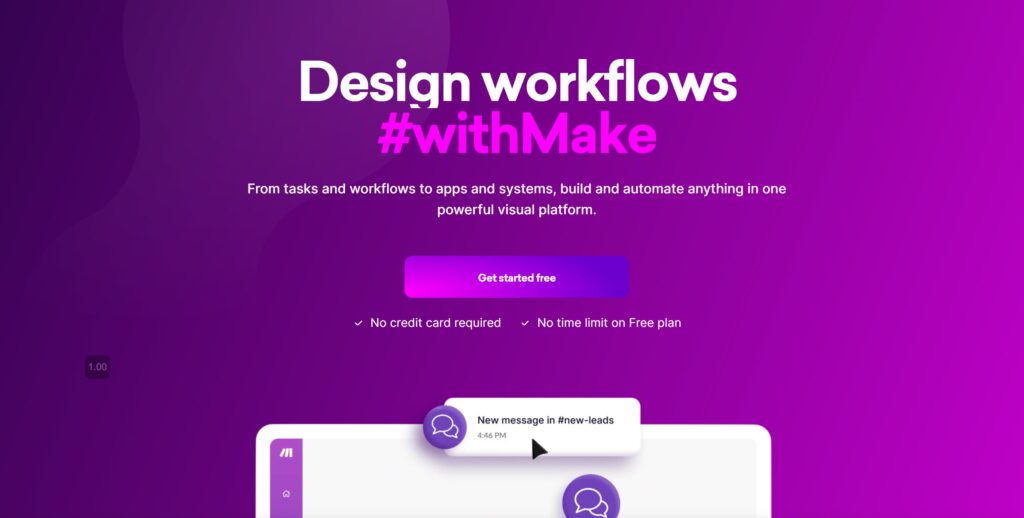
Make, formally known as Intergromat, is a sleek drag-and-drop automation tool that was founded in 2016. It allows you to automate tasks between over 300 apps, including Gmail, Google Calendar, Dropbox, and Slack.
With Make, you can create what are called “scenarios” instead of recipes. These scenarios allow you to automate such tasks as copying files, collecting SEO data, sending emails, or creating tasks in Asana (check out Asana vs Monday).
Learn more about collecting SEO data on some of the best SEO blogs here.
One of the great things about Make is that it has a very user-friendly interface and is very affordable compared to many of its competitors. And if you want to automate a task that isn't already available, there is an app that guides you in connecting an integration to any program that has an API.
There are also thousands of integration templates available that you can use to get started with your automated tasks. This is helpful for those who don't know where to start or what's possible.
Pricing: Free plan includes 1000 operations and 100 MB of data transfer, paid plans starting at $9 a month
2. Microsoft Power Automate

Microsoft Power Automate is a great IFTTT alternative for Windows users. Power Automate allows you to automate many tasks across all of your Microsoft apps, as well as over 255 non-Microsoft apps. It was released in 2016 as Microsoft Flow and has since been rebranded.
With Power Automate, you can create simple flows to automate such tasks as sending emails, copying files, or receiving notifications. You can get access to this tool with select Office and Dynamics 365 accounts. You can also purchase it as a standalone product.
Both the free and paid versions offer a wide range of features, making Power Automate one of the best IFTTT alternatives on the market.
Pricing: Microsoft Power Automate (previously Microsoft Flow) starts at $15 per user per month.
3. Zapier
The program Zapier is one of the most well-known automation softwares in the field and has been around since 2012. Zapier allows you seamless integration to automate many tasks between over 300 apps, including Gmail, Slack, Trello, and Twitter.
With Zapier, you can create “Zaps” which are automated tasks that are triggered by certain events. For example, you could create a Zap that automatically saves all of your Gmail attachments to Dropbox. Or make one that creates a new task in your to-do list every time you get an email from your boss.
Depending on your budget, this company offers both a free and paid version, with the paid version starting at $20 per month. The free version is fairly limited. If you plan on using the Zapier integration platform for more than just a few simple tasks, you’ll need to upgrade.
This automation software is such a vast program that the integration can get complex fast. Luckily, you can hire Zapier experts that will help you set up your integration automations quickly and smoothly.
Pricing: Zapier has a free plan that allows you to automate up to 100 tasks per month. Paid plans start at $19.99 per month.
4. Huginn

The open-source tool Huginn was created by Andrew Cantino in 2013. It’s a great IFTTT alternative for those who are self-hosting and have the technical ability to set up their own server.
With Huginn, you can create what are called “agents”, building blocks that are similar to IFTTT recipes. These agents allow you to automate such tasks as sending emails, posting to social media, or monitoring websites.
You can also automate social media with a social media scheduler if Huginn isn't for you.
One of the great things about Huginn is that it’s very extensive. It's infinitely customizable to fit your specific needs. However, this also means that it can be quite complex. This may not be suitable for those who are not technically inclined.
Pricing: Huginn is free and open-source.
5. Automate.IO
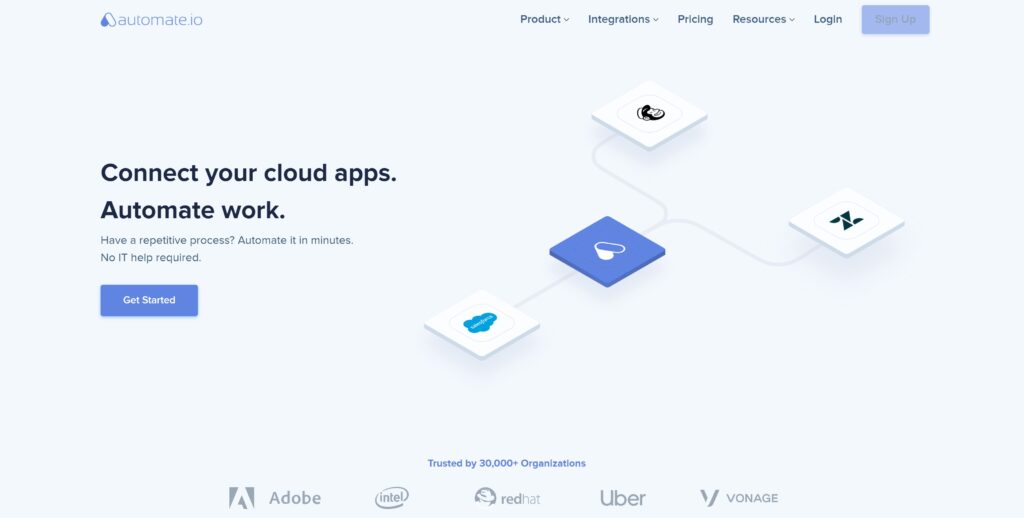
This powerful integration tool was founded in 2015 and allows you to automate many tasks between over 80 apps. This includes popular programs such as Salesforce, Google Drive, Shopify, and Twitter.
With Automate.IO, you can create “bots” which are akin to IFTTT recipes or Zapier Zaps. These bots allow you to automate such tasks as sending emails, copying files, or receiving notifications.
One of the great things about Automate.IO is that it has a visual drag-and-drop builder that makes it easy to create your automations without having to write any code.
They also have a very responsive technical support team and the program is more affordable than many competitors, making it one of the best values when it comes to any integration tool.
Pricing: Automate.IO has a free plan that allows you to have 300 actions per month. Paid plans start at $9.99 per month.
6. OpenHAB
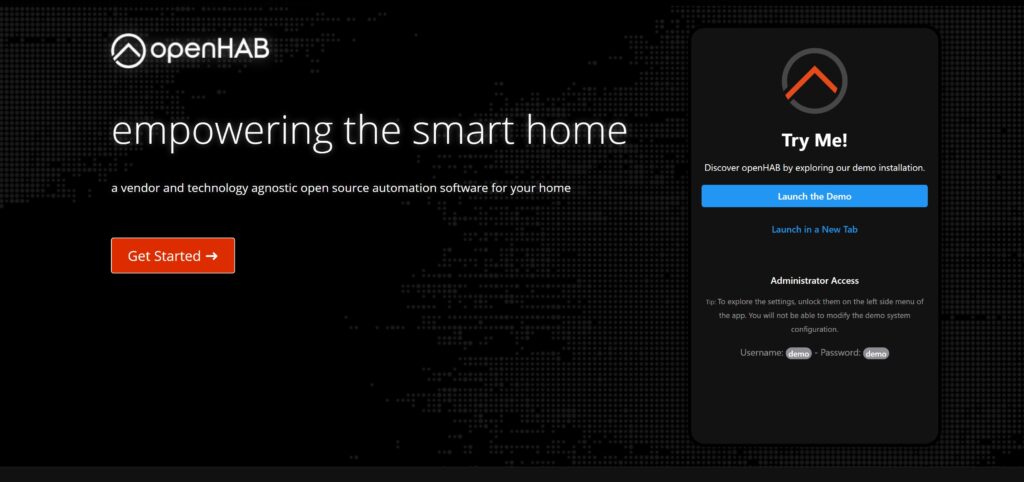
This smart home platform was created in 2010, automating tasks between over 200 apps, including Nest, Philips Hue, Amazon Echo, and Google Assistant.

OpenHAB is agnostic, meaning that it can work with any type of smart home device or system. It doesn't require a specific cloud system to work, making it very versatile.
With OpenHAB, you can create what are called “rules” which are similar to IFTTT recipes. These rules allow you to automate such tasks as turning on the lights when you open the door or setting the thermostat to a certain temperature.
You can also use rules to create more complex automations, such as turning on the coffee maker when your alarm goes off in the morning. Whatever smart home automation you can dream up, chances are you can create it with OpenHAB.
Best of all, you can run OpenHAB on most operating systems and access the program through the extensive app marketplace on the iOS or Android app store.
Pricing: OpenHAB is free and open-source.
7. CloudHQ
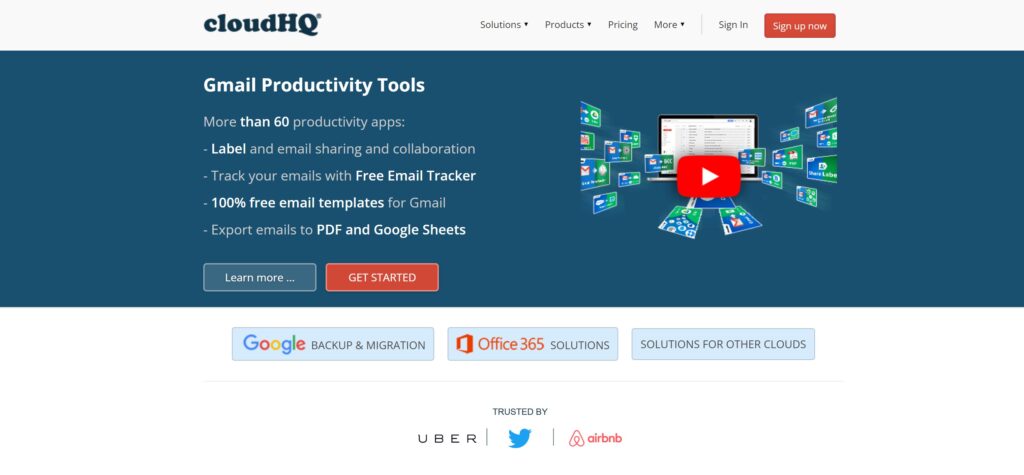
Are you looking to create workflow automation in Google Drive? Then CloudHQ is going to be one of the best IFTTT alternative tasks for you! It comes with over 60 integration apps that can automate simple tasks between your Gmail account, Google Calendar, Google Contacts, and more.
You can use CloudHQ for automating tasks such as copying files between accounts, following up on emails, or creating tasks in Asana.
While this program doesn't offer as many complex workflows as other programs on this list, the task automation will be substantial if you specifically work in the Google Suite. It could help automate parts of the outreach process or even follow-up processes for sales, as well as move data between Google apps automatically.
If the Drive is already your workflow central, then this IFTTT alternative is a no-brainer.
The free version of CloudHQ limits you to 100 MB of data transfer and allows you to save emails to your cloud and sync cloud accounts. This can get you started on automating simple tasks to see if this program is a good fit for you.
Pricing: Free plan offers 100 MB of data per month, paid plans starting at $149 a year.
8. Leads Bridge

If you're a marketer, you know that it can be a challenge to keep track of all your leads and customers. That's where LeadsBridge comes in! It's an IFTTT alternative that allows you to automate simple tasks and sync your IT team, CRM, emails, contact lists, Google Ads, and social media accounts.
This program is also known for its excellent and reliable security that complies with privacy laws and helps to protect your customers. There are over 300 integration apps that you can use to help you with your advertising, lead generation, and marketing campaigns.
This program uses "bridges" to connect your accounts and automate workflows. You can use Leads Bridge to create workflows such as adding new leads to your CRM, sending follow-up emails, or creating tasks in your Hubspot CRM (or in one of the Hubspot alternatives).
If you're a marketer who is looking for an IFTTT alternative to help create automated workflows, this could be the perfect tool for you.
9. Tasker
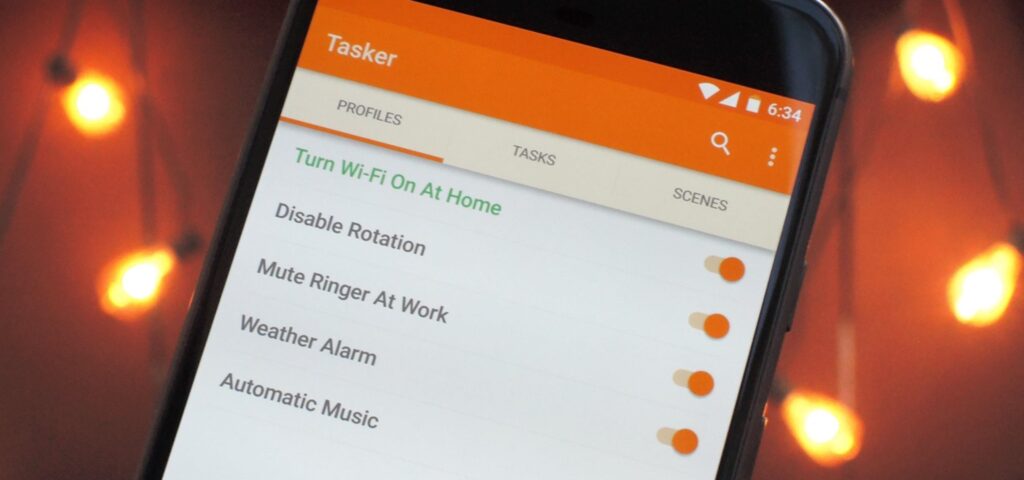
Tasker is a phone app that allows you to automate simple tasks on your Android device. It's one of the best IFTTT alternatives if you're looking to streamline your mobile workflows.
With Tasker, you can automate just about anything on your phone. This includes turning off the WiFi when you leave home, silencing your phone at work, sending birthday wishes automatically, or even opening up your favorite app when you plug in your headphones.
Tasker is a one-time cost of $3.49 and is ranked #2 when it comes to the top paid productivity apps in the Google Play Store. It's one of the more affordable IFTTT alternatives and is definitely worth checking out if you're mostly on your phone.
It can have a bit of a learning curve, but once you get the hang of it, Tasker can be an incredibly powerful tool. You build automations with profiles and tasks. Profiles determine when something will happen, while tasks are the actions that happen.
With a bit of time pairing together these two features, you can automate just about anything on your phone.
Pricing: $3.49 for a lifetime subscription
10. Automagic
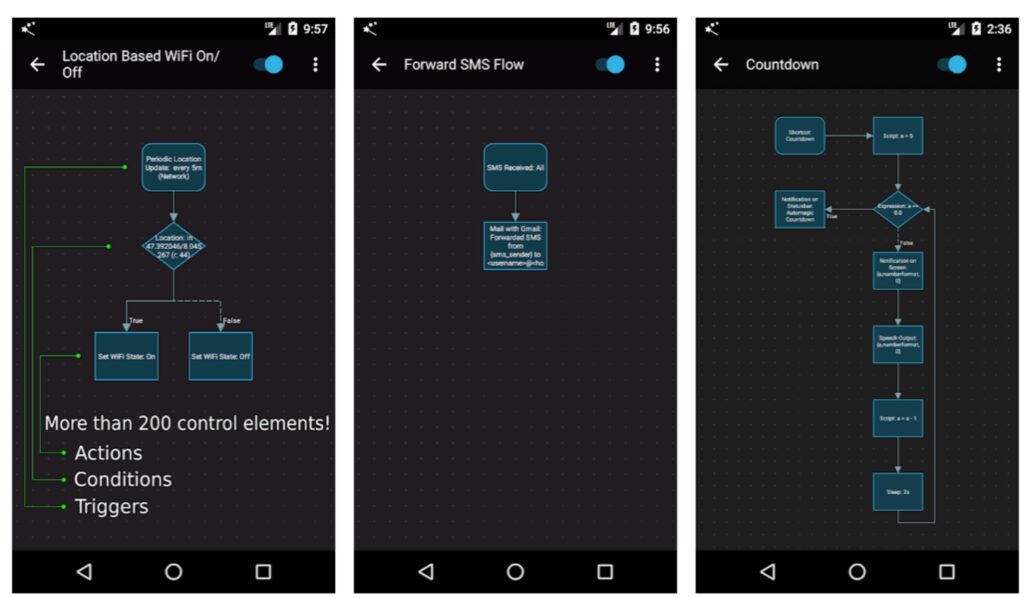
Automagic is another Android app that can help you integrate and automate your apps. It's one of the best IFTTT alternatives if you're looking for an app that can do just about anything on your phone.
Unlike Tasker, it has a very easy visual flowchart that allows you to see how your tasks are interconnected. You can use Automagic to create building blocks by combining actions and triggers. This can be helpful if you're trying to automate a complex task.
You aren't limited to just a set of templates with Automagic as you would be with IFTTT. This means that you can create any type of integration that you want, and there is a vibrant community that is always creating new flows and custom integrations that you can use.
Pricing: Free
11. Momentum
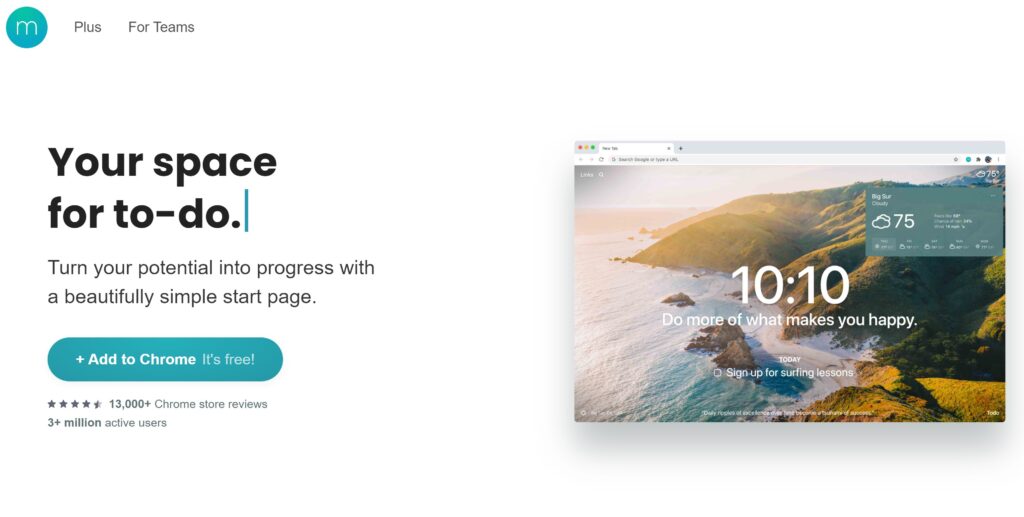
If you're looking to streamline your daily rituals and professional tasks, Momentum might be the IFTTT alternative for you. It's a to-do list app that helps you stay focused and motivated throughout the day.
With Momentum, you can create a personalized dashboard with your favorite photos, quotes, weather forecast, and to-do list. This can help you start your day off on the right foot and focus on your priorities in a customizable and inspiring way.
The plus plan can also help you stay organized and on track by syncing your to-dos across devices, setting goals, and tracking your progress. You can also sync your lists with Asana, Bitbucket, Basecamp, ClickUp, Google Tasks, GitHub, Trello, Todoist, and Microsoft To Do.
Pricing: Free plan with limited features, paid plans starting at $3.33 a month
Final Thoughts: IFTTT ALTERNATIVES
These are just a few of the best IFTTT alternatives that you can use to automate your workflows. By branching out into new programs, you may find features and systems that work better for your automation needs.
Since several of these IFTTT alternatives are free, it's definitely worth trying out a few to see which one works best for you. You may find that you like the features of one program but prefer the interface of another.
The important thing is to experiment and find what works best for you and your needs. Since almost all of the programs above offer free trials or free plans, you can test them out without having to commit to anything.
Once you've found a program that you like, you'll be able to streamline your workflows and get more done in less time. And isn't that what we all want?
Related Posts







Want to learn step-by-step how I built my Niche Site Empire up to a full-time income?
Yes! I Love to Learn
Learn How I Built My Niche Site Empire to a Full-time Income
- How to Pick the Right Keywords at the START, and avoid the losers
- How to Scale and Outsource 90% of the Work, Allowing Your Empire to GROW Without You
- How to Build a Site That Gets REAL TRAFFIC FROM GOOGLE (every. single. day.)
- Subscribe to the Niche Pursuits Newsletter delivered with value 3X per week
My top recommendations